Multi-Track Conference Scheduling: Software & Strategy Guide
Reviewed by the NeucitePress Editorial Board — PhD academics, peer-reviewed journal editors and medical communication specialists.
Last updated: October 2026 • Reviewed by the NeucitePress Editorial Board • Reading time: 6 minutes
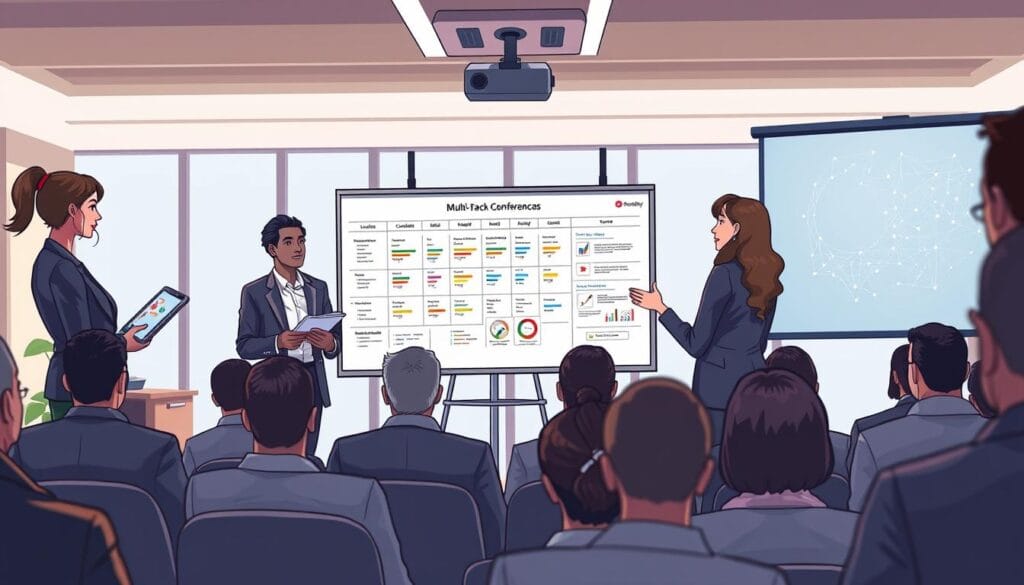
A multi-track programme works when every attendee can build a personal path through it without hitting a clash: two sessions they both want at the same time, a speaker who is double-booked, or a room that is too small for the crowd. Scheduling software helps, but it only enforces the rules you give it. This guide sets out a seven-step method for building the schedule, what to check when you compare software, and the compliance points that affect timing for accredited medical meetings.
What a Multi-Track Schedule Has to Solve
- Audience clashes. Sessions aimed at the same group should not run in parallel.
- Speaker conflicts. A person chairing one session and presenting in another needs a gap that allows for walking time.
- Room fit. Capacity, AV, accessibility and, for hybrid events, camera and microphone coverage.
- Time zones. If part of the audience joins online, the order of sessions matters for them too.
- Change control. Late swaps need to reach attendees, speakers and room staff at once.
A Seven-Step Method
- List every session with its type, speaker, chair, intended audience and AV needs.
- Group sessions into tracks by audience, not only by topic label. A clinician and a basic scientist may both attend a “cancer” track for different reasons.
- Mark conflicts. Build a simple matrix of sessions against speakers and audiences, and flag any pair that must not overlap.
- Place keynotes and plenaries first, with nothing in parallel, so the whole audience can attend.
- Fill parallel slots using the matrix. Put sessions with different audiences side by side and keep sessions of one audience in sequence.
- Match rooms to expected audience size and AV needs. Use your registration data and past attendance, and keep one flexible room for overflow.
- Test with personas (for example a first-time attendee, a poster presenter, a speaker with two sessions) and walk each through the programme before you publish.
Leave real walking time between rooms. Measure the walk at the venue rather than assuming it, and allow more for hybrid sessions where the technician has to switch streams. For more on roles around the programme, see conference committee roles.
What to Check in Scheduling Software
Compare tools on what they enforce and what they export, not on the length of the feature list:
- Conflict detection for speakers, chairs and rooms, with a clear warning when you override it.
- Constraints such as room capacity, session length and speaker availability windows.
- Personal agenda for attendees, with a warning when their picks overlap.
- Change notifications to speakers and attendees when a session moves.
- Links to submissions, so accepted abstracts flow into sessions without retyping. See our guide to abstract submission software.
- Accessibility. The programme pages and app should meet WCAG 2.2 Level AA, including captions for live audio where you stream.
- Payment handling. If the same platform takes registration payments, ask how card data is handled. PCI DSS applies to entities that store, process or transmit cardholder data, and many organizers reduce their exposure by using a payment provider that takes the card details itself.
- Exports to printable programme, mobile app and calendar formats, so the schedule is not locked into one tool.
For platform options for online and hybrid events, see tools and platforms for hosting virtual and hybrid conferences.
If the Meeting Offers Accredited CME
Some accreditation rules change how you schedule. Under ACCME Standard 5, marketing, exhibits and non-accredited education influenced by an ineligible company cannot take place in the educational space within 30 minutes before or after an accredited session, and non-accredited parts of the event must be clearly labeled. That means exhibit halls, product theatres and sponsor-led sessions need their own slots and their own rooms, which is easier to plan at step 4 than to repair after the programme is published. Standard 3 also requires disclosure of relevant financial relationships to learners before they engage with the education, so build disclosure slides or pages into each session’s place in the programme.
Keep the Schedule Healthy After You Publish
- Freeze the schedule at a named date and log every change after it.
- Send the same change notice to speakers, chairs, room staff and attendees.
- Publish the room map and the walking route next to the programme.
- Keep an offline copy for the registration desk in case the app or Wi-Fi fails.

NeucitePress services for conference organizers
Programme building, abstracts and online access, handled by a dedicated event manager.
Multi-session scheduling with conflict checking, program book design, registration and a 2-day on-site team.
Branded submission portal, reviewer assignment, scoring and session assignment for accepted abstracts, up to 500 submissions.
Streaming from up to 4 rooms, virtual networking and 90-day on-demand access. Platform licensing is billed separately.